
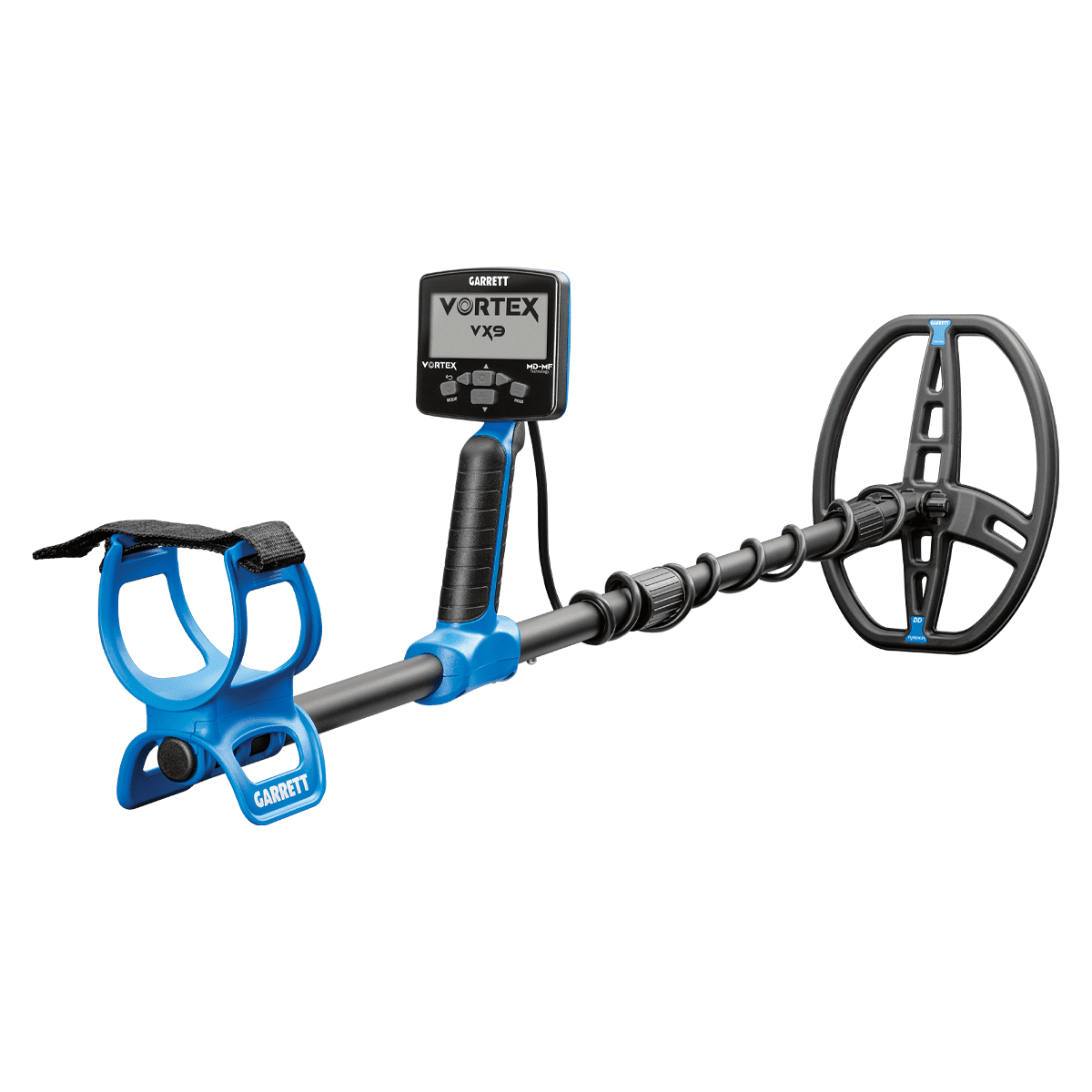
Whether a threat is found and whether you are alerted to it depends on two things: detection threshold and alarm threshold. The detection threshold is the machine’s vision – a fixed limit on what it can physically sense. The alarm threshold is its communication – an adjustable setting, controlled through program and sensitivity, that determines what it actually tells you about out of everything it sees.
Confusing these two concepts leads to real problems in the field. Misconfigured equipment, missed detections, and false alarms that slow down your checkpoint are all common consequences of treating these two settings as the same thing. Our team at Garrett will break down both thresholds so that security operators and checkpoint managers can configure their equipment with confidence and understand exactly what each setting does and does not control.
Key Takeaways
- Detection threshold controls what the machine senses; alarm threshold controls when it alerts you.
- The detection threshold is fixed by the hardware. Sensitivity and program settings don’t change what the machine senses – they change what it reports to you, i.e., the alarm threshold.
- A miscalibrated alarm threshold either floods operators with false alerts or lets real threats pass silently.
- Every deployment location requires its own tested threshold profile – never copy settings from another site.
- Recalibrate any time the physical environment changes, as it can shift your electromagnetic baseline.
- Garrett’s Paragon and Guide detectors offer precise threshold controls built for professional security environments.
What Is a Detection Threshold?
The Machine’s Core Sensitivity Setting
The detection threshold controls the power and reach of the electromagnetic field that the detector emits. It sets the baseline for how deeply and at what size the machine can identify a hidden metallic object. Think of it as the device’s search engine. It determines what the machine is capable of seeing before any alert is ever triggered.
This setting is fixed by the hardware and design of the device – it is not something operators configure. The detection threshold defines the outer limit of what the machine is physically capable of sensing, and that limit stays constant regardless of program or sensitivity settings. Everything operators adjust in the field – sensitivity, program selection, discrimination – happens downstream of this fixed baseline, at the alarm threshold. You cannot alert on something the machine never detected in the first place. Getting this right before touching any other setting is the first rule of proper calibration.
Detection Threshold in Security and Industrial Contexts
In security screening, the detection threshold is calibrated to account for environmental variables at the checkpoint. Common sources of interference that must be factored into this calibration include:
- Structural metal in floors, walls, or nearby fixtures
- Electronic interference from adjacent equipment
In industrial metal detection, this setting must also account for what is called the Product Effect. This refers to variations in the scanned item itself, such as moisture content, salt concentration, or material density.
These properties change how a product interacts with the electromagnetic field, which can cause inaccurate readings if the detection threshold has not been adjusted to reflect the product being scanned. Operators must re-evaluate this setting whenever the physical environment or the scanned product profile changes significantly.
What Is an Alarm Threshold?
The Alert Filter: Separating Signal from Noise
Even when the detection threshold picks up a metallic object, an alarm is not automatically triggered. The alarm threshold sets a minimum signal strength that must be crossed before the system notifies the operator. It functions as a filter layered on top of the detection result, and its job is to decide which detected signals are strong enough to be worth reporting.
This is one of the most important distinctions to understand. Detection and alerting are two separate events in the machine’s process. A metal object can be detected without ever triggering an alarm if the strength of its signal does not meet the minimum level set by the alarm threshold. Security operators who do not understand this can misread a quiet alarm system as a clean checkpoint when the machine may actually be detecting and silently ignoring signals below the filter level.
How Alarm Thresholds Affect Security Outcomes
Raising sensitivity or adjusting the program setting causes the machine to report more of what it already senses – including smaller and more deeply concealed metallic objects that were being detected but previously filtered out. That sounds like a straightforward improvement, but it comes with a real trade-off. At higher sensitivity levels, more environmental noise, ground interference, and signals from nearby electronic equipment get reported alongside real threats. Lowering sensitivity produces more stable and quiet operation, but it means the machine will silently withhold reports on small or deeply hidden items it is still detecting.
Getting the alarm threshold wrong in either direction creates serious problems. Set it too low and operators are flooded with alerts from small, harmless metal items like belt buckles, keys, and coins. This condition is called alert fatigue, and it does two damaging things at once. It slows down your checkpoint and it trains operators to mentally discount alarms, which is exactly the opposite of what a security system should do.
Set the alarm threshold too high and genuine threats can pass through without triggering any notification at all. Small weapons components, thin blades, and other concealed items that security equipment is specifically designed to catch produce weaker signals by nature. If your alarm threshold is set above the signal strength those items generate, the machine will detect them silently and your team will never know.
Alarm Threshold in Security and Industrial Contexts
In security screening, the alarm threshold is commonly configured through discrimination settings that sort detected metals by type. The way a detector uses conductivity to tell a steel belt buckle apart from a steel blade is the core mechanism at work here – something worth understanding in depth because how ferrous and non-ferrous metals behave differently under a detector’s field directly determines how discrimination-based alarm filtering should be set. The most common configuration options include:
- Discrimination settings that categorize metal types by conductivity
- Iron rejection limits for low-threat ferrous objects
In industrial settings, the alarm threshold is typically defined by strict size or weight parameters that trigger automatic rejection of contaminated product batches. Unlike security screening, where a human operator responds to an alarm and makes a judgment call, industrial systems often link the alarm threshold directly to automated mechanical rejection systems. An uncrossed threshold means the product moves on without being flagged, which is why precise calibration in those environments carries significant quality control and liability implications.
Detection Threshold vs. Alarm Threshold: Side-by-Side Comparison
Use this table as a quick reference for your team:
| Detection Threshold | Alarm Threshold | |
| Function | Defines what the machine can sense | Defines when the machine alerts the operator |
| Analogy | The machine’s eyes | The machine’s voice |
| Set too high | Misses small or deep targets | Misses real threats; under-alerts |
| Set too low | Noisy, interference-prone | Too many false alarms; alert fatigue |
| Adjusted via | Fixed by hardware/design – not operator-adjustable | Sensitivity, program selection, discrimination, signal strength, rejection limits |
The Background Threshold Hum: A Concept Worth Knowing
What Is the Threshold Hum?
In hobbyist and some legacy metal detector systems, the word “threshold” refers to something different from either of the settings described above. In those systems, threshold describes a constant, low-level audio tone emitted during normal operation. This hum is not a sensitivity setting and it is not an alert filter. It is an auditory reference baseline that the operator listens to in order to interpret the machine’s behavior in real time.
Understanding this distinction matters because the same word appears across very different types of equipment and documentation. Misreading a reference to “threshold” in an older user manual can lead to the wrong adjustment being made entirely. Always confirm which definition applies to your specific equipment before touching any settings.
How the Hum Signals Different Detections
When the detector passes over a desirable metallic object, the hum either breaks or intensifies, indicating a positive find. When the detector passes over a discriminated or rejected object such as iron, the hum goes silent. This response is known as nulling, and it tells the operator that something was detected but classified as a low-priority or excluded metal type. The distinction between how iron and non-ferrous targets register differently is exactly what makes the nulling response useful as a real-time feedback tool in the field.
Security personnel transitioning from hobbyist equipment or working with older systems should be aware that the word “threshold” in certain manuals refers to this audio hum and nothing else. Adjusting the hum level is not the same as adjusting detection sensitivity or alarm filtering. Treating it as such can lead to a misconfigured system that appears to be working correctly until a real threat is missed.
Common Miscalibration Mistakes and How to Avoid Them
Misunderstanding What Sensitivity and Program Settings Actually Control
This is one of the most frequent configuration errors made at security checkpoints. Operators sometimes assume that raising sensitivity increases what the machine can detect. In reality, detection capability is fixed – raising sensitivity increases what the machine reports out of everything it is already sensing, which can produce a high rate of low-significance alerts.
The result is noise without improved security outcomes. Operators get more alerts, not better ones. Best practice is to treat sensitivity and program settings as the single lever that controls the alarm threshold, and to document the reasoning for each setting during every calibration session so future operators understand what is being filtered and why.
Using a One-Size-Fits-All Configuration
Different checkpoint environments require different threshold profiles. What works at a concert venue is not appropriate for an airport, and what is calibrated for a courthouse lobby may be entirely wrong for an outdoor event perimeter. The volume, flow pattern, and threat profile of a crowd at a stadium or large-scale public event introduce variables that a fixed-site installation simply does not have to account for in the same way. Consider the range of conditions that shape what the right threshold profile looks like:
- High-traffic public venues may prioritize lower false alarm rates, which points toward a higher alarm threshold to keep lines moving
- High-security facilities may prioritize maximum detection sensitivity regardless of the throughput impact on operators and visitors
Security teams should maintain environment-specific configuration profiles for every location they manage and avoid copying settings from one deployment to another without retesting from a clean baseline.
Neglecting to Recalibrate After Environmental Changes
New construction, relocated equipment, or shifts in foot traffic density can all affect the baseline electromagnetic environment at your checkpoint. These changes can move the interference profile enough to make your previous calibration unreliable, even if the equipment itself has not been touched.
Recalibrate detection thresholds whenever the operational environment changes in any meaningful way. Any modification to the physical space around your detector, including changes to nearby electrical systems, structural additions, or repositioned equipment, should trigger a full calibration review before the checkpoint returns to active use. This kind of ongoing threshold management is a core part of effective checkpoint security planning that goes well beyond the initial equipment setup.
Practical Configuration Guidelines for Security Personnel
The type of equipment you are working with also shapes how these thresholds behave in practice. Walk-through portals and handheld units interact with their threshold settings differently, and operators need to understand their specific platform before making adjustments.
The differences between handheld and walk-through systems matter here because a miscalibrated handheld used for secondary screening can create a gap in your coverage even when the walk-through portal is configured correctly. Two additional practices that should be standard at every site are:
- Logging calibration settings and test results for each shift, since threshold drift can occur over time without any visible sign that the machine’s performance has changed
- Briefing all operators on the difference between a detection event and an alarm event, because a missed alarm is not always a missed detection and operators need to understand that distinction to respond correctly
Review manufacturer documentation for the specific interaction between sensitivity controls and discrimination or alarm filter settings on your model. These relationships differ by manufacturer and by equipment generation, and assuming they work the same way across platforms is one of the most common and costly sources of misconfiguration in the field.
Garrett Equipment Built Around Threshold Precision
When precision calibration matters, the equipment has to match the standard. Here are two of Garrett’s most trusted detection platforms for professional security operations.
Garrett Paragon Walk-Through Metal Detector
The Garrett Paragon is a premium, ECAC-certified walk-through portal built for high-security environments where detection precision and alarm control need to operate at the highest level.
- 66 independent detection zones across left, center, and right panels with 22 horizontal bands for pinpoint identification of where on the body a target was detected
- 200 adjustable sensitivity levels across 23+ pre-installed security programs – controlling what the Paragon alerts operators to, not what it detects – with Ambiscan technology allowing two different alarm thresholds based on the direction of traffic flow
- Quick-Q filtering that suppresses signals from common items like cell phones without raising the alarm threshold high enough to miss actual threats
- IP65 weather resistance, an integrated UPS battery backup, and Zero Touch NFC card access for wireless settings adjustment
The Paragon is built for environments where misconfiguration is not an option, delivering bilateral scanning coverage and zone-level specificity that takes the guesswork out of threshold management.
Garrett Guide Handheld Metal Detector
The Garrett Guide is a professional handheld built for secondary screening where alarm threshold control matters just as much as it does at the portal. With 7 selectable sensitivity levels and dedicated interference mitigation, operators can adjust on the fly without compromising accuracy.
- 7 selectable sensitivity levels controlling alarm reporting, covering everything from broad threat alerting to precision prison-grade screening
- A dedicated offset button to eliminate cross-talk when multiple handhelds are in use, plus a reduced sensitivity switch to stop alerting on floor rebar and environmental clutter it still detects
- Choice of audible alarm or haptic vibration alert for reliable notification in loud or crowded environments
- IP65 rating, 125+ hour battery runtime, built-in USB-C charging, and a 3-year limited warranty
At just one pound, the Guide is built for long shifts without fatigue, and its threshold controls are accessible enough that operators can recalibrate on the spot as conditions change.
Security Metal Detectors: Alarm VS Detection Thresholds
The detection threshold is a fixed property of the machine’s hardware, governing how deep and how small a target the detector can physically sense – it does not change in the field. The alarm threshold controls when the machine tells your operator about it, filtering out signals that fall below a set strength. In some older or hobbyist systems, a third concept called the threshold hum adds an audio reference layer to the mix, though it has nothing to do with sensitivity or alarm filtering.
All three are distinct, and treating them as interchangeable is where misconfiguration begins. Proper security screening depends on understanding how each of these settings affects the others and calibrating them correctly for your specific environment. A gap between what the equipment detects and what your team is actually alerted to is a gap where threats get through. Treat threshold calibration as a core security competency, not a background technical detail, and make sure every operator at your checkpoint understands the difference before they take a shift.
If you are looking for industry-leading walk-through or handheld detection equipment built to perform in real-world security environments, contact our team at Garrett today to find the right solution for your operation.