
 OWNER CENTER
Get more from your Vortex.
Find software updates, performance upgrades, compatible search coils, audio options, manuals, and owner support in one place.
- Official Garrett resources
- Model-specific recommendations
- Updates, upgrades, and support
Select your model
We will highlight the resources that apply to your detector.
KEEP IT CURRENT
Updates and performance upgrades
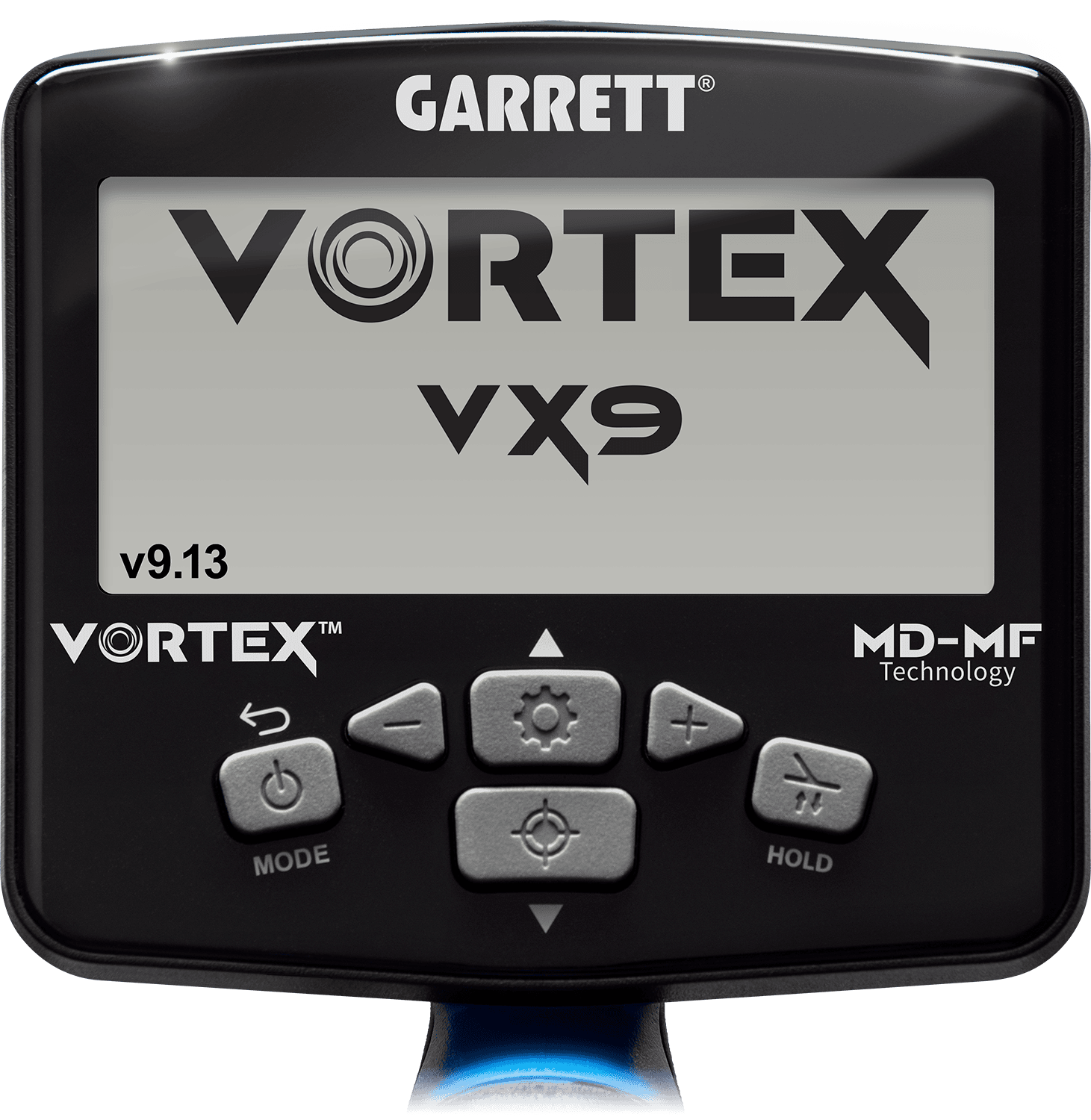
CHECK YOUR VERSION
Is your Vortex running the latest firmware?
Your detector displays its installed firmware version each time it starts. Checking it takes only a few seconds.
- Power on your Vortex detector.
- Watch the startup screen. Your model, VX5, VX7, or VX9, will appear prominently, and the installed firmware version will appear in the lower-left corner.
- Make a note of the version number.
- Compare that number with the latest firmware version shown for your model in the cards below.
- If the version on your detector is lower, a free firmware update is available.

Software updates
Check the firmware version currently shown on your detector. If it does not match version 5.06, use the link below to download and install the latest release.
Garrett firmware updates are free and may add new functionality, refine detector performance, improve stability, and resolve issues identified in earlier releases.
- Verify the version installed on your detector
- Download the current Windows or Mac installer
- Follow the official step-by-step instructions
Upgrade VX5 to VX7
Move your VX5 up the Vortex line with additional detection and target-analysis capabilities.
- Digital upgrade path
- No detector trade-in
- Official Garrett activation
Upgrade VX5 to VX9
Unlock the professional-level Vortex feature set without replacing the detector you already own.
- Full VX9 feature path
- Official firmware activation
- Keep your existing hardware

Software updates
Check the firmware version currently shown on your detector. If it does not match version 7.06, use the link below to download and install the latest release.
Garrett firmware updates are free and may add new functionality, refine detector performance, improve stability, and resolve issues identified in earlier releases.
- Verify the version installed on your detector
- Download the current Windows or Mac installer
- Follow the official step-by-step instructions
Upgrade VX7 to VX9
Unlock the full VX9 feature set on the VX7 you already own, including deeper detection, additional recovery-speed controls, Thin Coins Mode, Fast Mode, Beach Mode, and expanded target analysis.
- Digital VX9 feature upgrade
- No detector trade-in required
- Official Garrett activation

Software updates
Check the firmware version currently shown on your detector. If it does not match version 9.13, use the link below to download and install the latest release.
Garrett firmware updates are free and may add new functionality, refine detector performance, improve stability, and resolve issues identified in earlier releases.
- Verify the version installed on your detector
- Download the current Windows or Mac installer
- Follow the official step-by-step instructions
Vortex Accessories
-

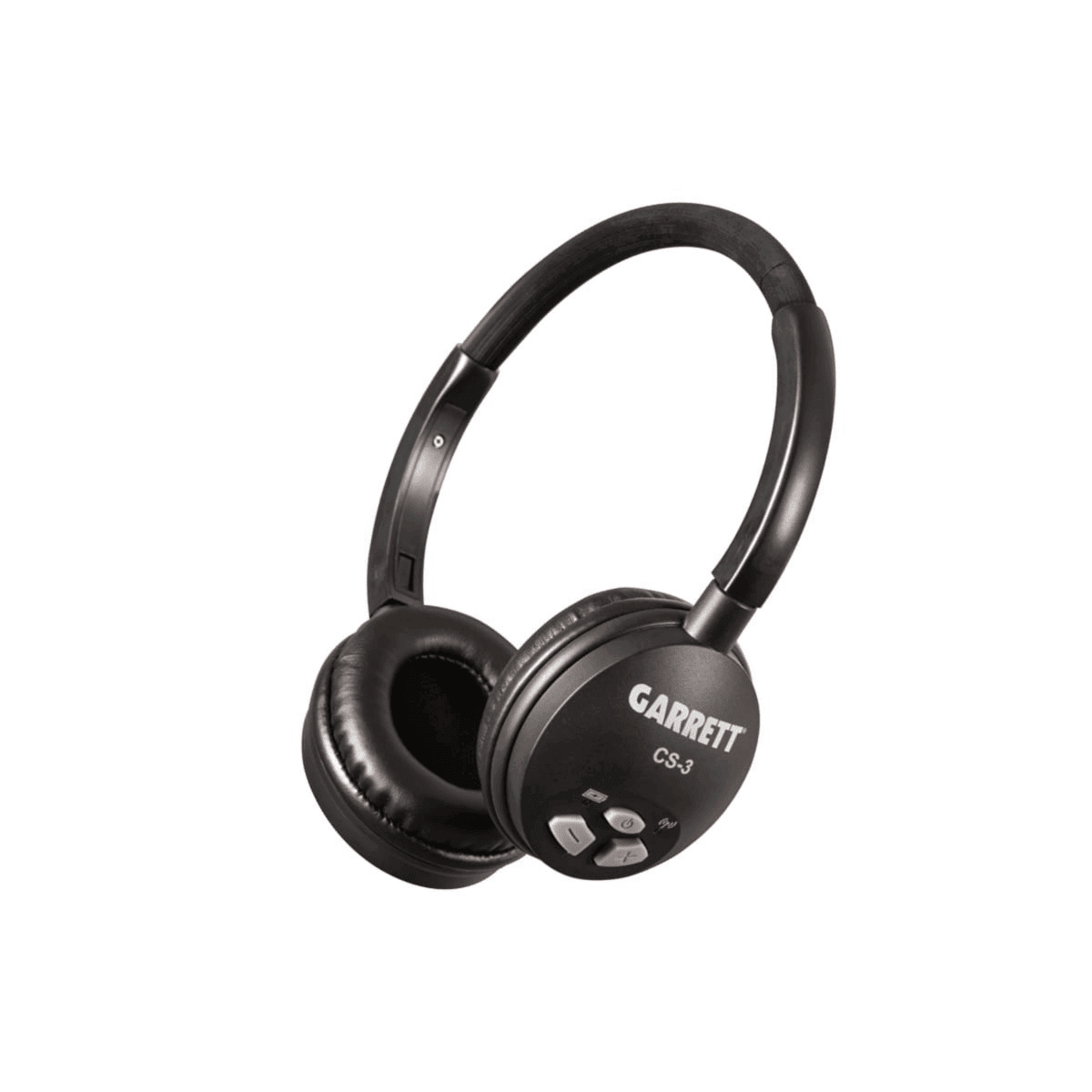
Garrett CS-3 Z-Lynk Wireless Headphones
$99.99 -
Garrett Vortex Submersible Headphones – ⅛-inch jack
$150.99 -
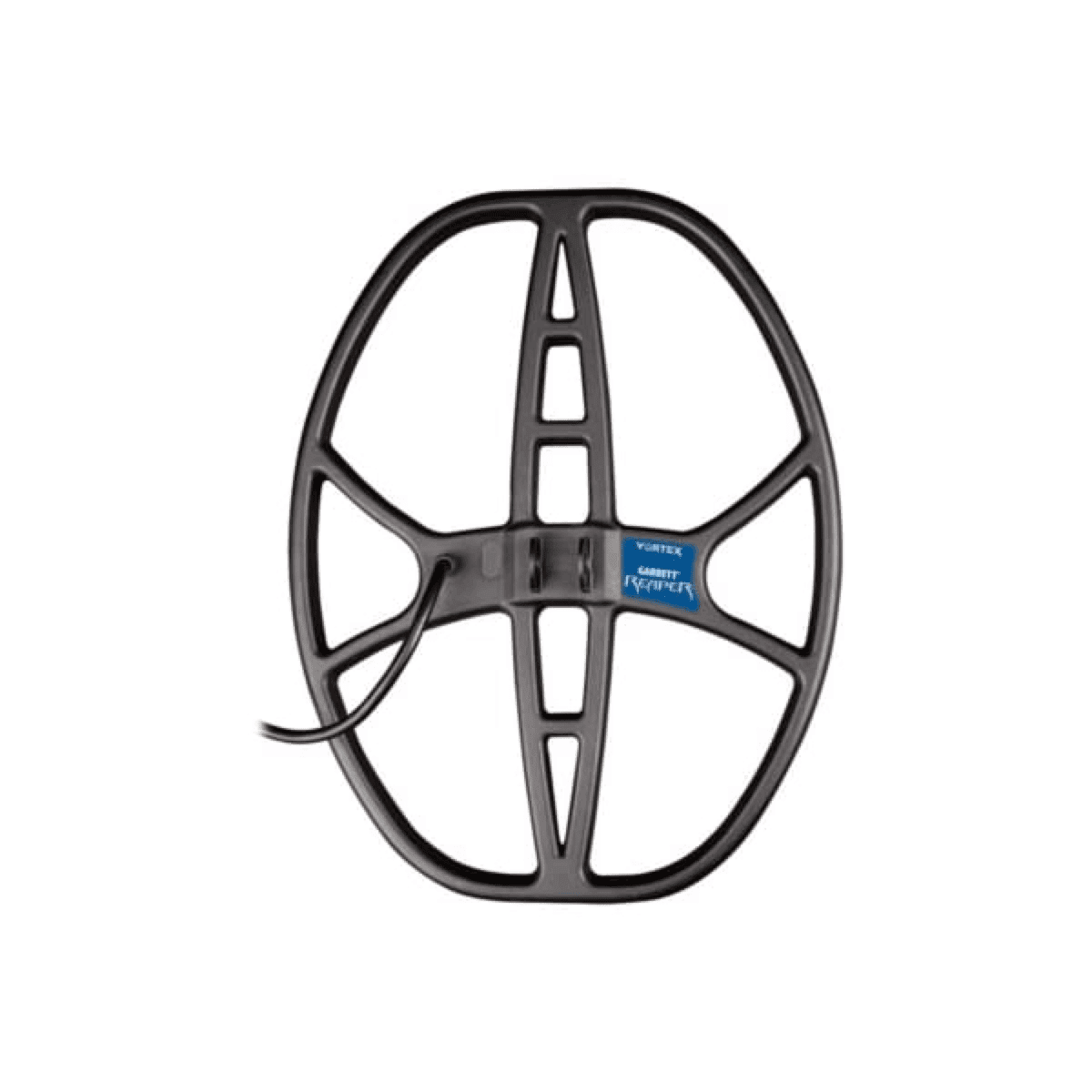
Garrett Vortex 14″ x 11″ DD Reaper searchcoil
$199.99 -
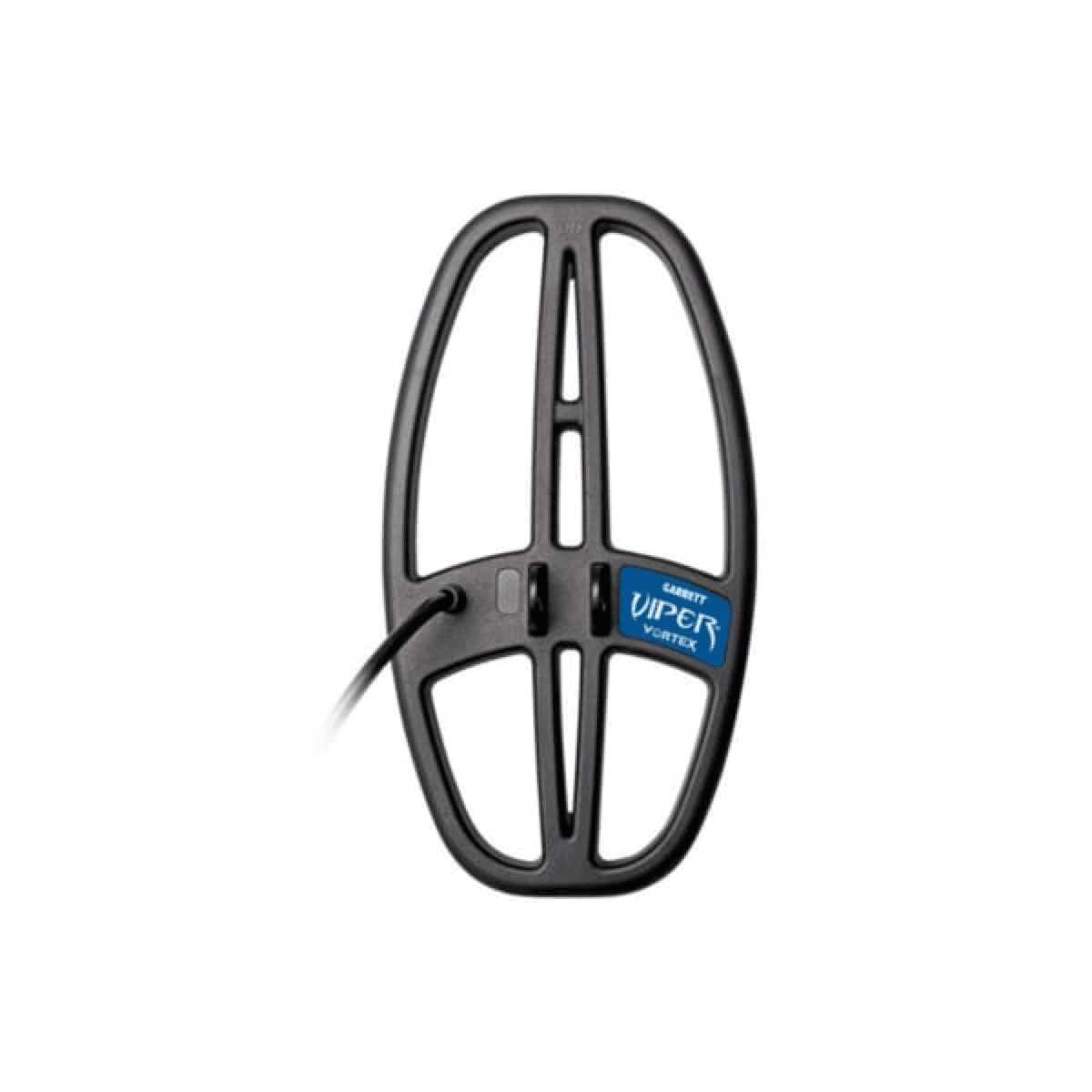
Garrett Vortex 6″ x 11″ DD Viper Searchcoil
$144.99 -
Garrett Submersible Headphones
$150.99 -
Garrett PRO-Pointer AT Z-Lynk
$129.99 -
Garrett PRO-Pointer AT
$109.99 -
Garrett EST ’64 Cap
$14.99 -
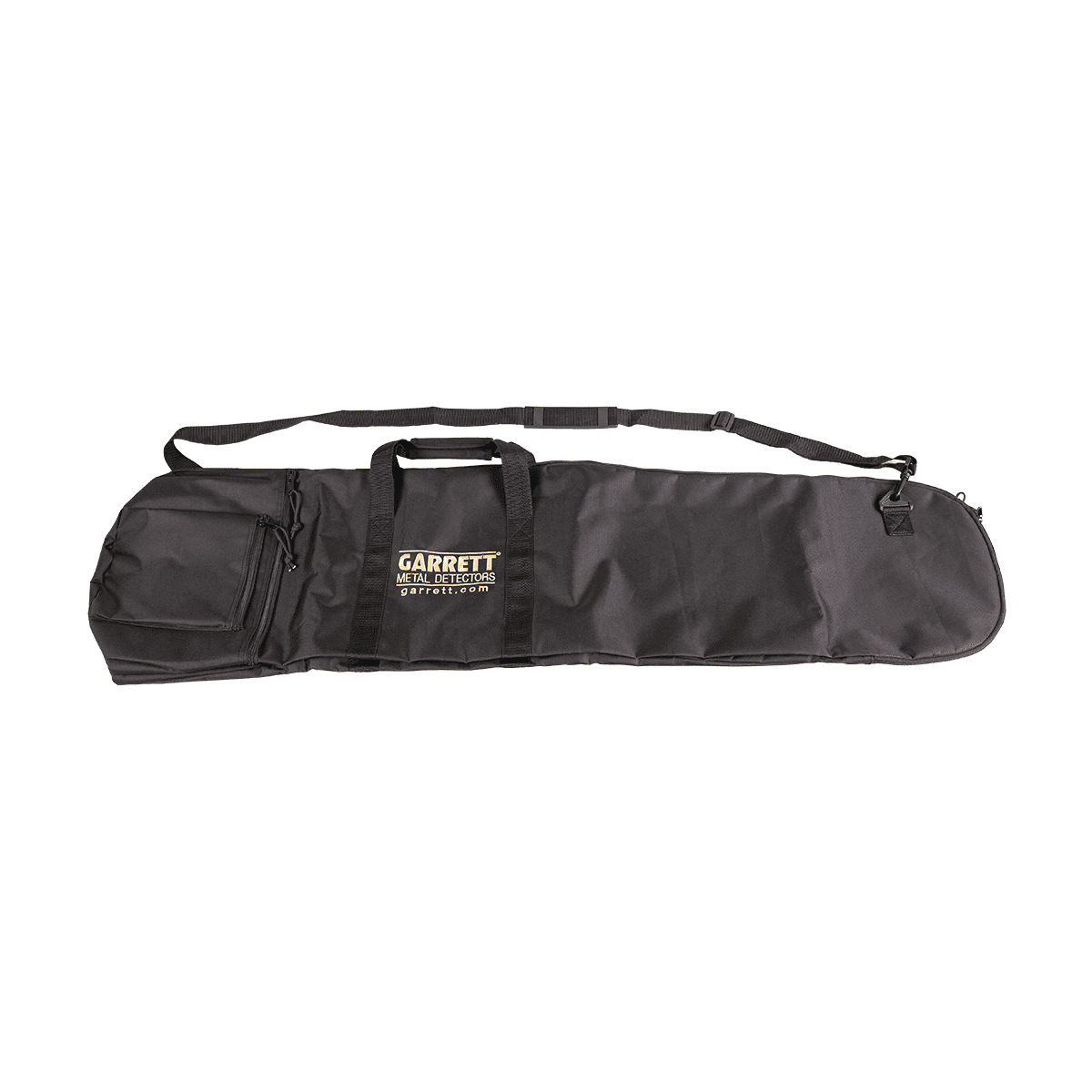
Garrett All-Purpose Carry Bag
$25.99 -
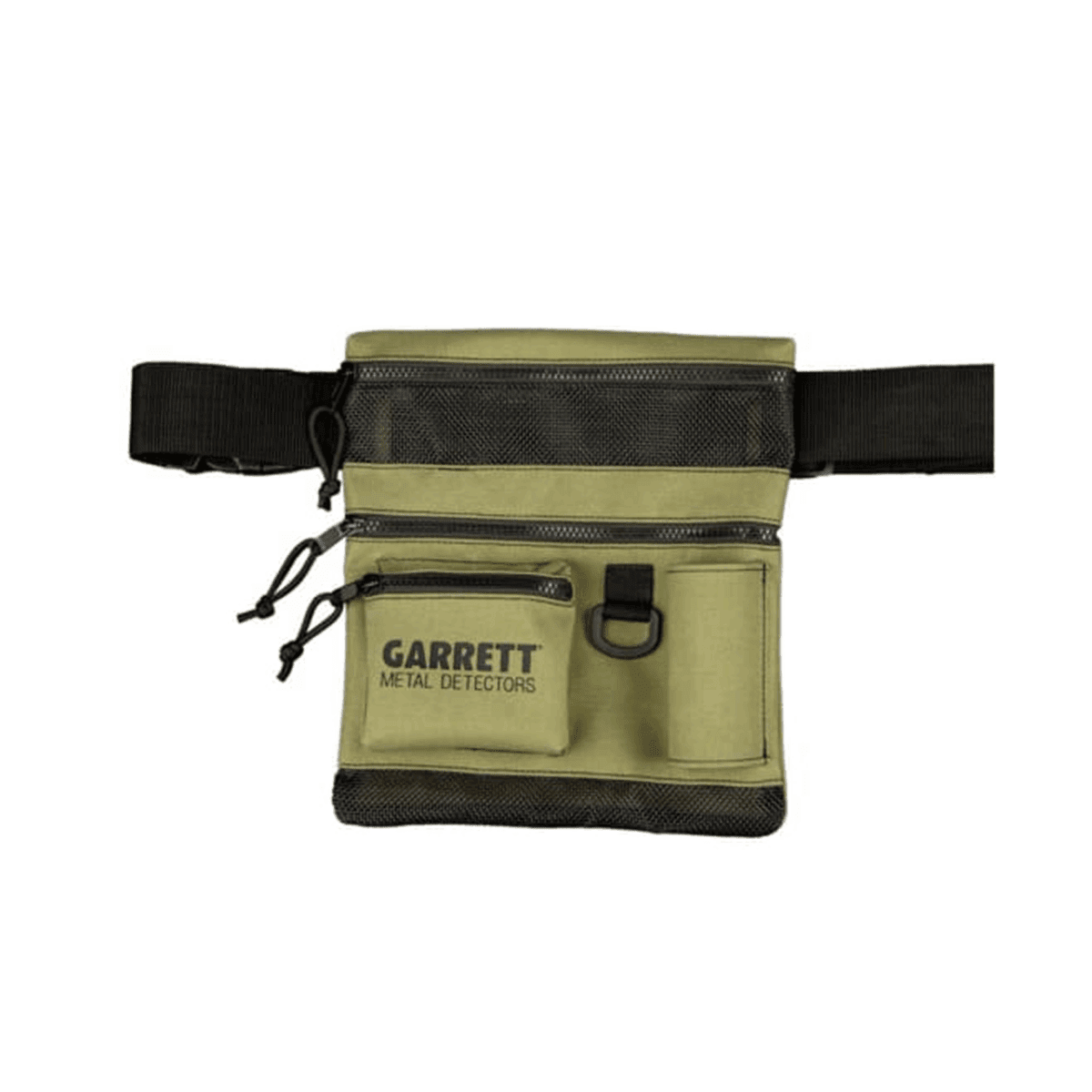
Garrett All Terrain Dig Pouch
$29.99 -
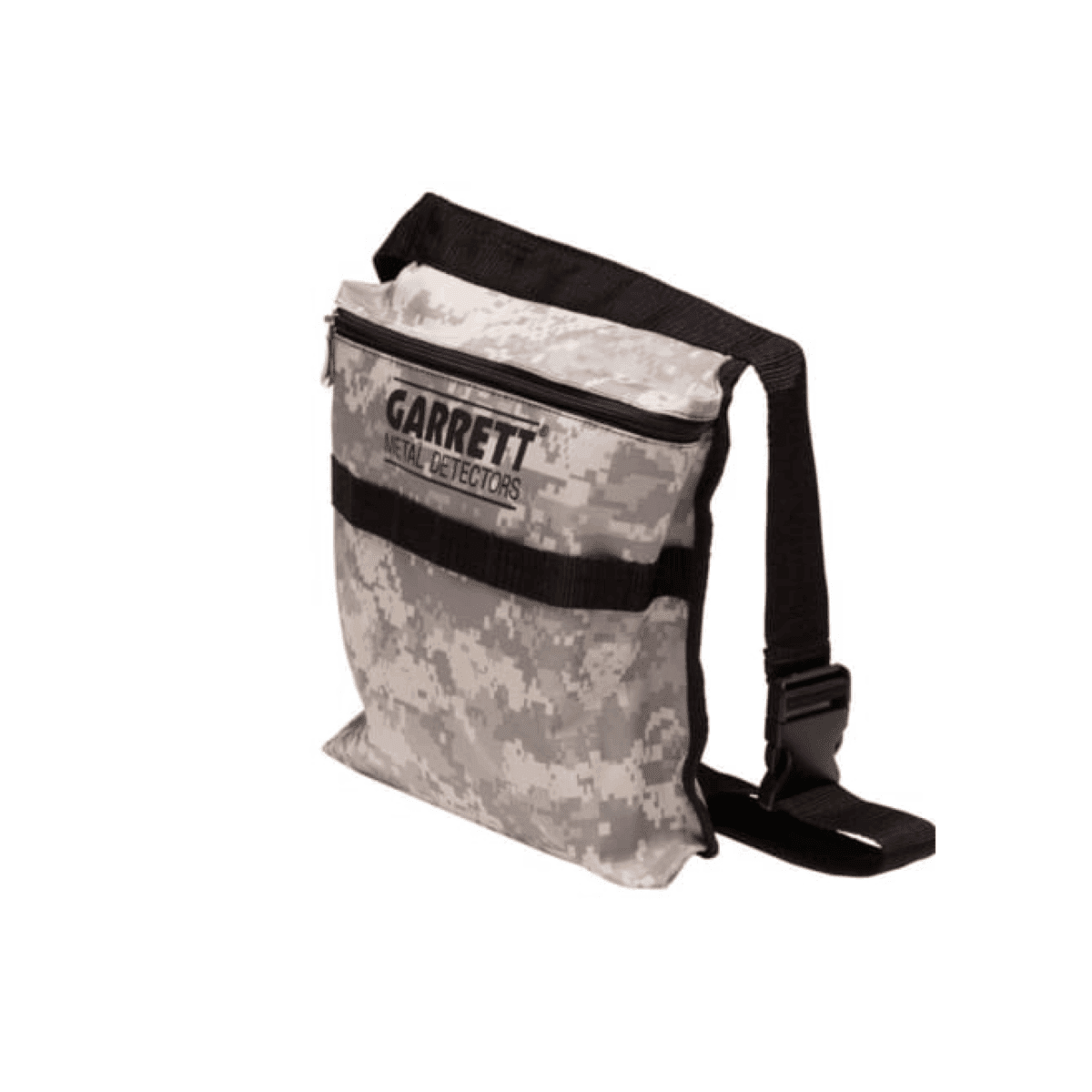
Garrett Camo Digger’s Pouch
$10.99 -
Garrett Razor Relic Shovel
$76.99 -
Garrett Edge Digger
$38.99 -
Garrett Metal Sand Scoop
$50.99 -
Garrett Deluxe Utility Kit
$155.99 -
Garrett Multi-Use Accessory Kit
$55.99 -
Garrett PRO-Pointer AT Z-Lynk/MS-3 Wireless Headphones Kit
$268.99






LEARN YOUR VORTEX
Vortex how-to videos
Explore our Vortex tutorial library. Select a video to play it without leaving the Owners Center.
Z-Lynk Wireless Operation
KNOW YOUR MACHINE
Guides, manuals, and owner support
Start quickly, keep the complete reference manual nearby, and reach the right Garrett support resource when a question comes up.
 START HERE
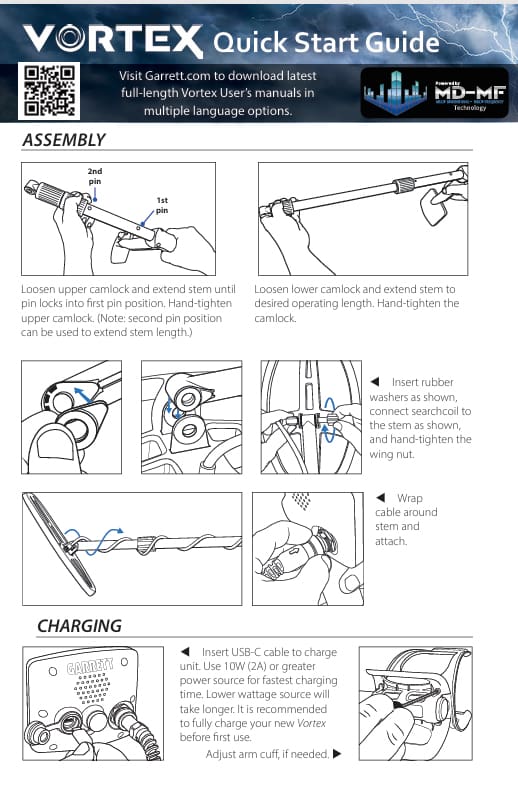
QUICK START GUIDE
Get your Vortex ready for the first hunt
A fast setup reference for assembly, controls, initial settings, and the essential steps needed to begin detecting.
 FULL REFERENCE
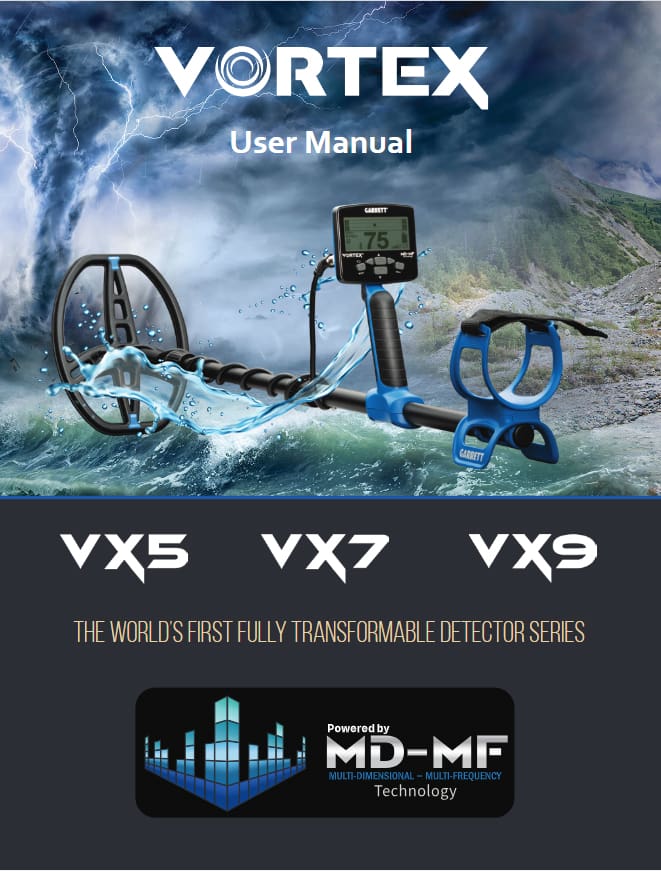
OWNER'S MANUAL
Explore every Vortex setting and feature
The complete operating reference for menus, search modes, adjustments, maintenance, specifications, and troubleshooting.
VORTEX OWNERS
Love your Vortex? Put it on the record.
A quick, honest review helps another detectorist choose the right Vortex and gives Garrett useful feedback from real hunts.
- Your review is attached to the correct Vortex model
- Share your experience, favorite finds, photos, or video
- Help the next hunter make a more confident choice
Which Vortex do you own?
Select your detector to open the correct review form.Garrett Vortex
Tell the community what you like, how you use your detector, and what you have found with it.
QUICK ANSWERS
Vortex owner FAQs
A compact launch set. These can be expanded as support identifies the questions owners ask most often.
View all Garrett FAQsOpen Garrett's Updates and Upgrades Support page, select the appropriate Vortex resource, and follow the installer and on-screen instructions.
Yes. Garrett offers digital upgrade paths from VX5 to VX7 and from VX5 to VX9. Use the official upgrade pages for current details and activation instructions.
Use the VX5, VX7, and VX9 selector near the top of the page. Resources that do not apply to the selected model will be hidden.
The Manuals, Videos, and Owner Support section links directly to Garrett's user manuals, how-to library, troubleshooting, and complete Sport Support Center.
EXPLORE THE VORTEX LINE
Need another detector or comparing models?
Return to the Vortex Series page or jump directly to a model.